Extend Your Fundraising Reach With GivenGain's Meta Integration
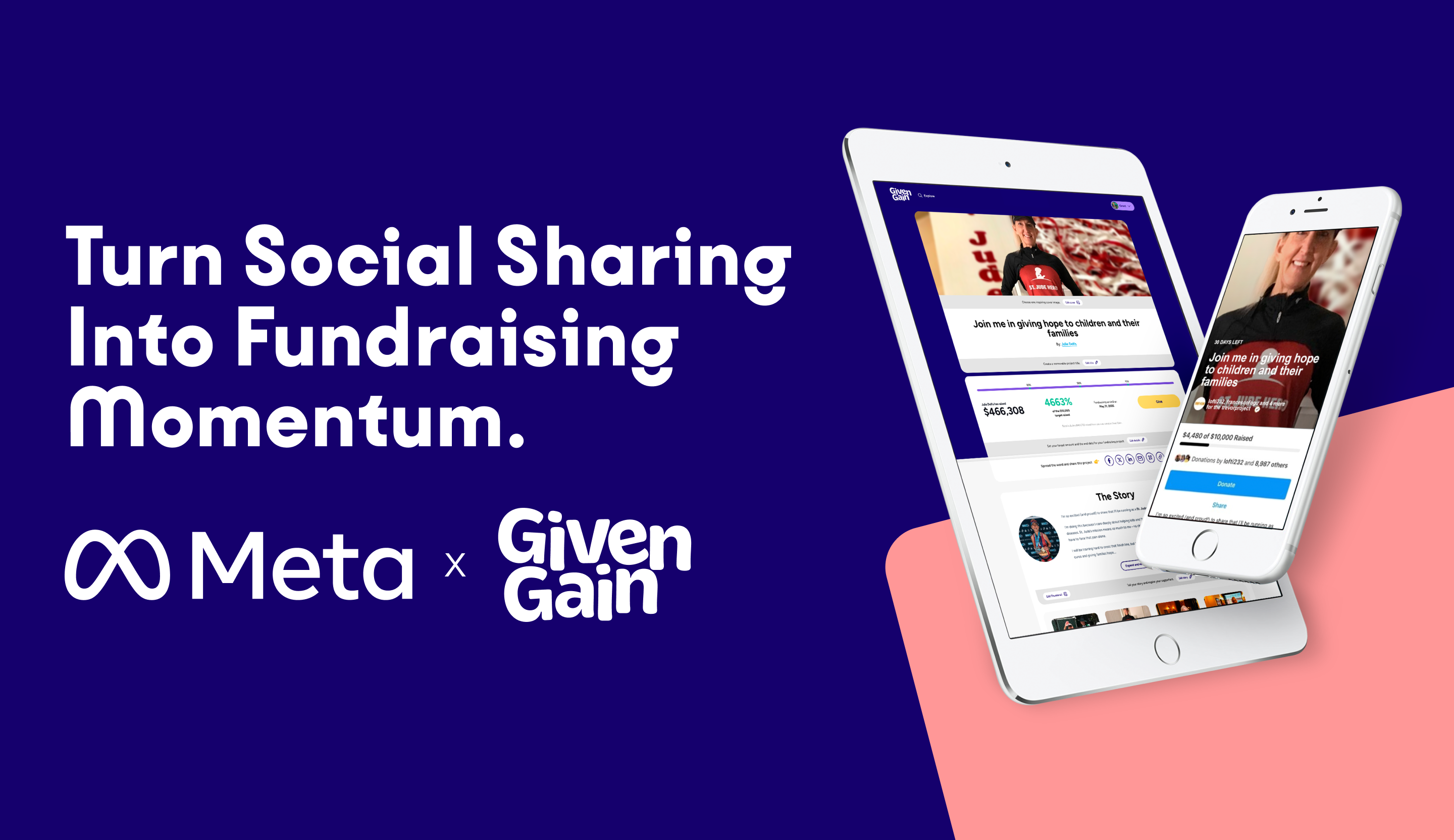
Your supporters are already sharing their stories on Facebook and Instagram. With GivenGain's Meta Integration, every post can become an opportunity to inspire action and drive donations. By connecting eligible GivenGain fundraising projects with Facebook and Instagram, fundraisers can share their journey with enhanced visibility, helping charities reach new audiences and supporters take action more easily.
Social media remains one of the most effective channels for sharing personal fundraising stories and inspiring action. GivenGain's Meta integration enables fundraisers to amplify their campaigns across Facebook and Instagram, making it easier to engage supporters, increase visibility and drive donations.
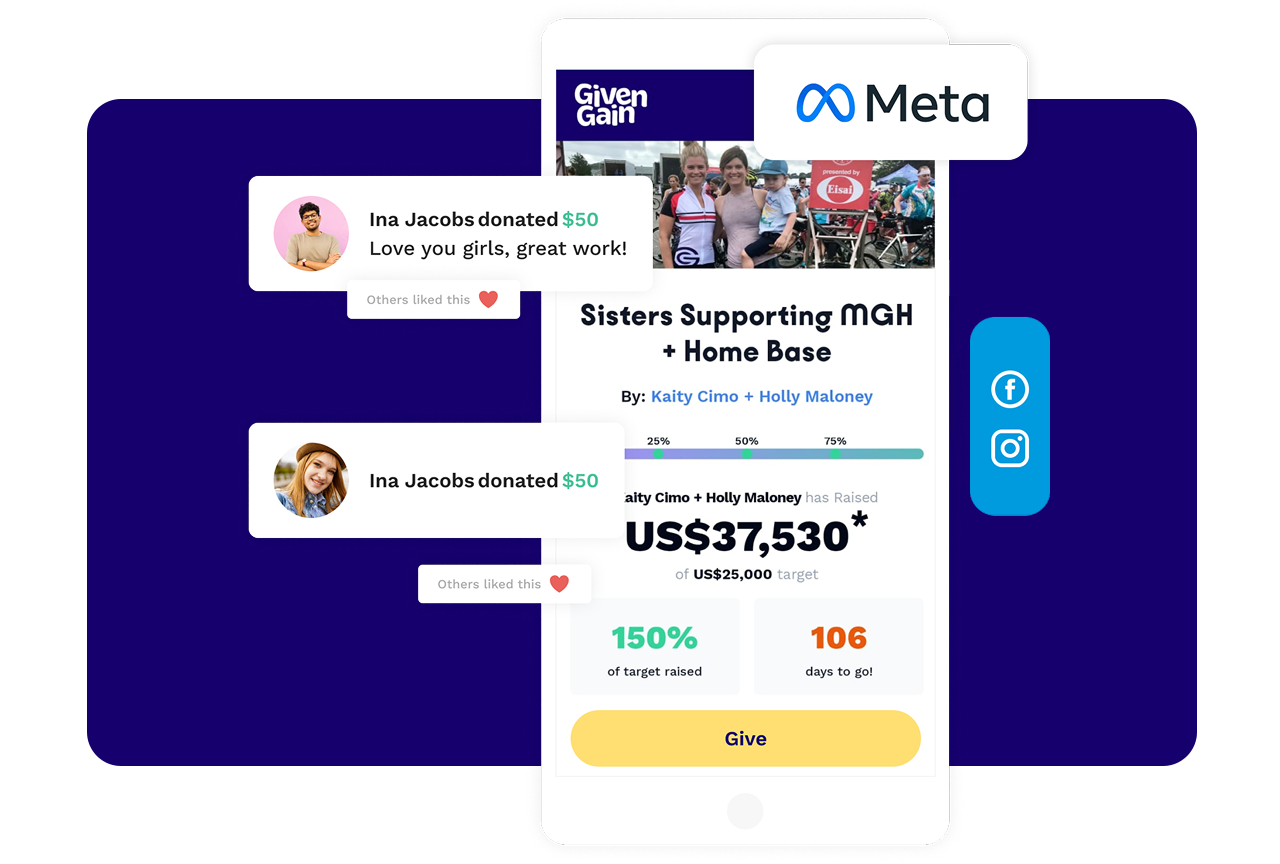
This integration allows fundraisers to share their GivenGain campaigns directly on Instagram and Facebook, making it easier to reach new donors. With a single tap, fundraisers can:
- Share to Instagram (mobile) – Add the fundraising campaign to their profile (e.g. No more “See link in Bio” necessary) and post stories with a Donate button.
- Post to Facebook – Include a Donate button automatically, show real-time funds raised.
Why Meta Integration Matters
Increase Campaign Visibility
Connecting Meta allows fundraisers to extend the reach of their efforts beyond their immediate network by sharing content across Facebook and Instagram.
32% of donors say social media is the tool that most inspires them to give.
Strengthen Supporter Engagement
Regular updates, training milestones, personal stories, and fundraising progress help maintain momentum and keep supporters connected.
Nonprofits actively using social media for fundraising see a 46% increase in donations compared to those that do not.
Empower Fundraisers to Tell Their Story
Personal storytelling is one of the most powerful drivers of peer-to-peer success. Meta integration helps fundraisers share their journey consistently and authentically.
Create More Donation Opportunities
Every social post, story, or update creates an additional touchpoint for supporters to discover, engage with, and contribute.
What Are The Requirements?
To enable Meta Sharing, your nonprofit must meet the following criteria:
Facebook Page
Your nonprofit must have a Facebook Page.
- Facebook Fundraising Tools: Your organization must be onboarded with Facebook’s fundraising tools: Sign up here.
Instagram Requirements (for Instagram sharing):
- Have a professional Instagram account: Make your account professional.
- Link your Instagram to your Facebook Page: Instructions here.
How It Works
For Charities: Enable Your Meta Integration
- Visit Your Charity Account: Log in to your GivenGain charity account here.
- Locate the Integrations Section: Navigate to Account Settings → Integrations.
- Select Meta: Select Meta Sharing integration.
- Find Your Charity: Search for your charity using your Tax ID.
- You’re Almost Done: Click Enable Integration. Once enabled, your campaigns will be optimized for sharing on Facebook and Instagram.
For Fundraisers: Enable Your Meta Integration
- Visit Your Fundraising Page: Log in to GivenGain and navigate to your fundraising page.
- Locate the Social Sharing Section: Scroll down to the social media icons displayed on your fundraiser page.
- Select Meta or Instagram: Click the Meta or Instagram icon to begin the integration process.
- Authorize the Connection: Follow the prompts to connect your account and enable the integration.
Note: This feature is not available for fundraising projects that use split donations.
Stay inspired